1. Accessing GeneSys
To access the GeneSys, follow these steps:
1.1 Logging In
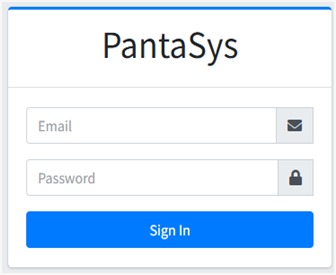
Navigate to the Website Open your preferred web browser and go to the GeneSys website.
Login Enter your credentials (username and password) in the login fields provided.
Submit Click the “Sign In” button to access the dashboard.
1.2 Logging Out
Navigate to the top right side of the page
You will see these three options
Click on the icon in the middle to log out .